Managing Your Wave Subscription
Find your plan, change it, cancel it, or restore it — from your phone, the web app, or desktop.
Wave shows your plan, your renewal date, and your minutes in every client — but the actual billing lives wherever you bought the subscription: Apple, Google, or Stripe. Wave always routes you to the right one, so start inside the app rather than hunting through store settings.
Find your plan
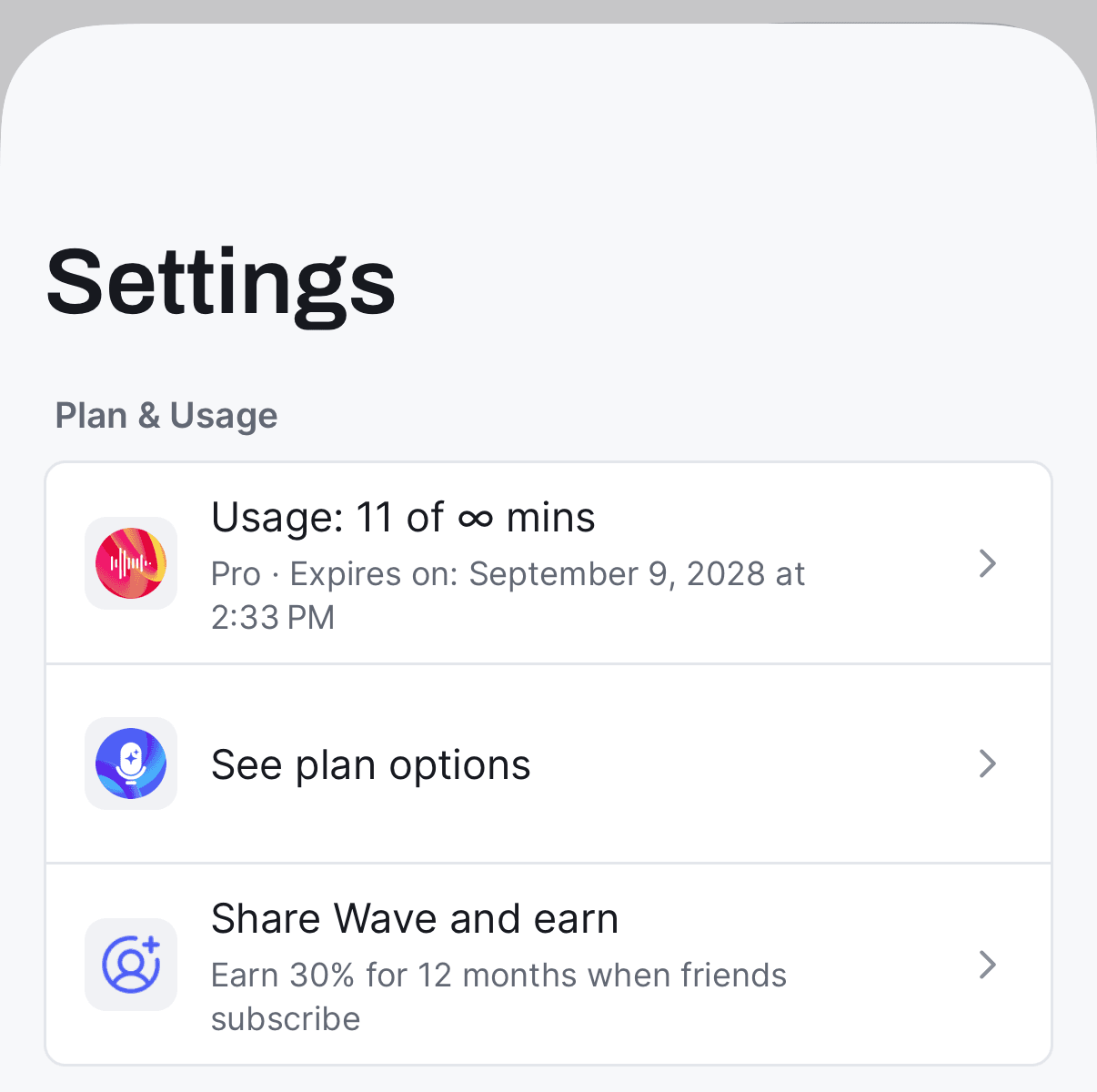
Look at Plan & Usage. The top row shows your minutes — "Usage: 12 of 30 mins" — with your plan and date underneath, like "Pro · Renews on: August 14, 2026". If your subscription has lapsed it reads "Pro (Expired)", and if it won't auto-renew it reads "Expires on:" instead of "Renews on:".
Change or cancel
Cancelling is always done at the billing provider. Cancelling stops the renewal — you keep Pro until the end date shown under Plan & Usage on your phone or Plan & billing on the web.
Tap the usage row under Plan & Usage in Wave and you'll land straight on Apple's subscription page. To get there manually: open the Settings app → tap your name at the top → Subscriptions → Wave.
You can also manage it in a browser at Apple's subscriptions page.
Don't buy a second subscription. If you already pay through Stripe and tap See plan options in the phone app, Wave deliberately sends you to the Stripe portal instead of the in-app plan screen — buying again through Apple or Google would leave you paying twice for the same account.
Upgrade
- iPhone & Android — Settings → Plan & Usage → See plan options. On the free tier there's also a crown icon beside the Settings gear on the home screen that opens the same plan screen.
- Web — Settings → Plan & billing → Upgrade.
- Desktop — Settings → Account → Plan. Desktop never charges in the app; it opens Wave's web checkout in your browser, already signed in.
If you're on an app-store subscription, the web Plan & billing page won't offer a management button. It says "This subscription is managed in the Apple App Store. Open your subscriptions on your iPhone or iPad to change or cancel it." (or the Google Play equivalent) — that's expected, and the store is the only place those can be changed.
Restore a purchase
If you've paid but Wave still shows Free — after reinstalling, switching phones, or joining through Apple Family Sharing — open the plan screen on your phone and use the restore option. Wave re-checks your Apple or Google account and reapplies the subscription.
If it still doesn't appear, you're most likely signed in with a different account than the one that bought it. Check your login methods and confirm you're using the same email everywhere — see also using Wave on multiple devices.
FAQ
Open Settings → Plan & billing on the web and read the Billed through… line. Or just tap the usage row in the phone app — Wave sends you to the right place automatically.
At the end date shown under Plan & Usage on your phone or Plan & billing on the web. Until then everything keeps working; after that you drop to the free tier's 30 minutes a month. See Wave plans and pricing.
No. Your sessions, transcripts, and summaries stay in your library. Only new recording is limited. To remove your data entirely, see deleting your Wave account.
Was this article helpful?
Still need help?